
AI Workflows
AI Workflow Automation Tools: Features, Use Cases, and How to Choose
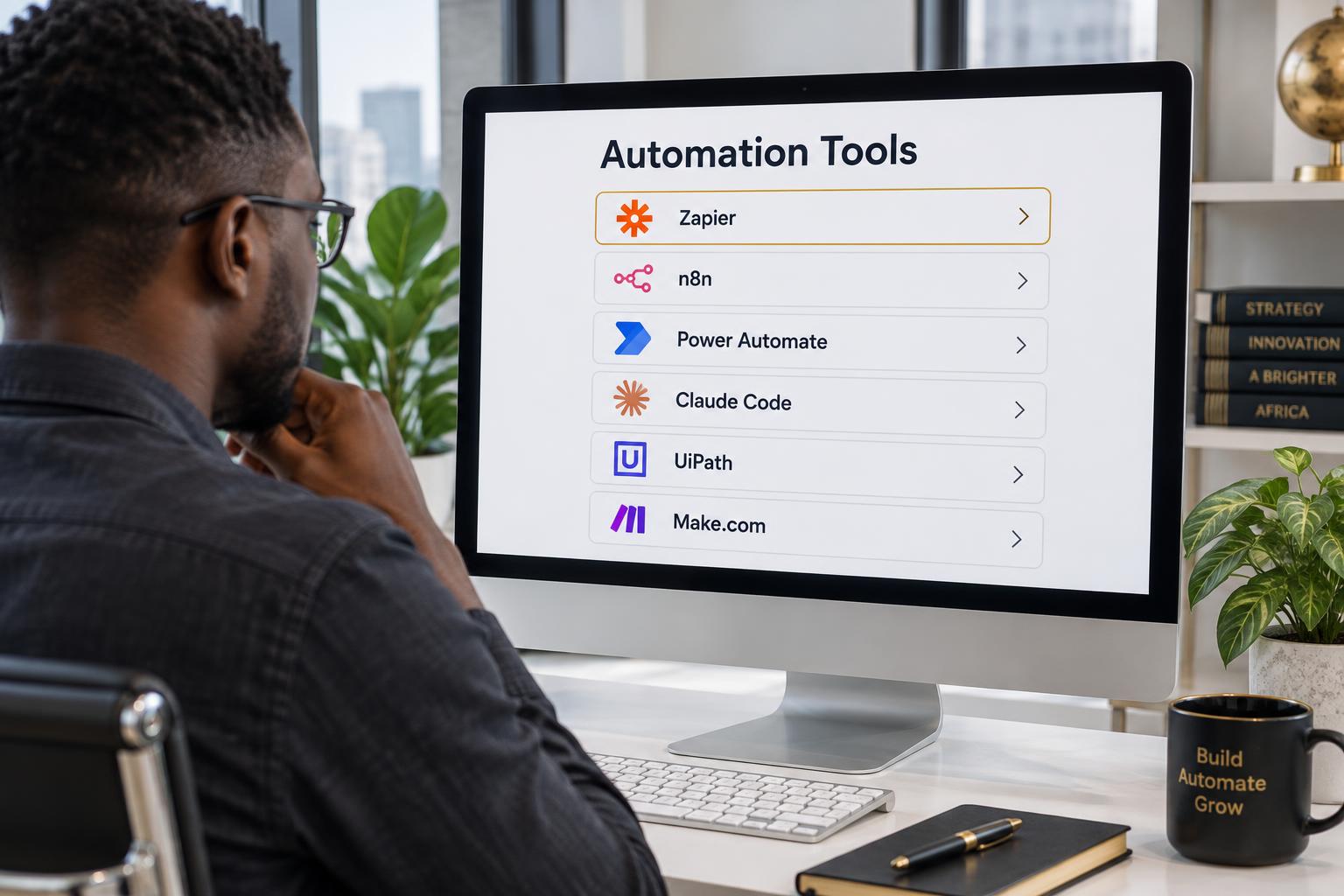
AI workflow automation tools are software platforms that combine workflow orchestration, application integrations, and artificial intelligence to automate multi-step business processes.
They allow businesses to connect different applications, process information, apply business rules, and use AI to handle tasks that require contextual understanding.
For example, an AI-powered workflow can receive an incoming customer enquiry, interpret the request, retrieve relevant information, update a helpdesk ticket, and route the issue to the appropriate team.
Unlike tools designed only to automate individual tasks, workflow automation platforms help coordinate several connected activities.
What Are AI Workflow Automation Tools?
AI workflow automation tools provide an environment for designing, executing, and managing automated business processes.
They combine capabilities such as:
- Workflow triggers and scheduling.
- Application integrations.
- Conditional logic.
- AI model connections.
- Data processing and transformation.
- Automated notifications and actions.
- Monitoring and error handling.
These capabilities allow businesses to connect separate applications and coordinate the movement of information between them.
The AI component can interpret information, extract data, generate responses, classify requests, or recommend decisions within the workflow.
How Do AI Workflow Automation Tools Differ From Traditional Workflow Tools?
Traditional workflow tools primarily execute predefined steps and conditions.
AI workflow automation tools can introduce AI-powered operations that handle unstructured information and contextual tasks.
For example, a traditional workflow may route a support ticket based on a category selected by the customer.
An AI-powered workflow can read the customer's message, identify the likely issue, classify the request, and recommend the appropriate team.
The workflow can then apply predefined routing rules and update the helpdesk system.
The distinction is not that traditional automation cannot include AI. Rather, AI workflow automation places AI processing within a broader system of connected tasks.
Why Do Businesses Use AI Workflow Automation Tools?
Reduce Repetitive Manual Work
Employees often spend time transferring information between systems, updating records, preparing documents, and completing routine administrative tasks.
Workflow automation can reduce the number of manual steps required.
Connect Disconnected Applications
Businesses frequently use separate platforms for sales, customer support, finance, marketing, and operations.
Automation tools help these systems exchange information and coordinate actions.
Process Unstructured Information
AI can help workflows process information from emails, documents, customer messages, and other sources that do not follow a fixed structure.
Improve Process Consistency
Configured workflows can apply the same business rules and processing steps across repeated activities.
Improve Operational Visibility
Workflow logs and monitoring help businesses understand what happened during each execution, identify failures, and investigate exceptions.
Essential Features of AI Workflow Automation Tools
1. Workflow Orchestration
The platform should support multi-step workflows, conditional branches, triggers, scheduling, and connections between different processes.
2. AI Model Integration
Look for support for the AI capabilities your workflows require, such as information extraction, classification, summarization, text generation, and agentic tool usage.
3. Application and API Integrations
A useful platform should connect with the software and databases already used by your business.
Evaluate its native integrations, API support, webhooks, authentication options, and data synchronization capabilities.
4. Data Transformation
Different applications often store information in different formats.
A workflow automation platform should be able to transform, validate, and map information between systems.
5. Error Handling and Recovery
Automation should account for failed API requests, missing data, application downtime, and unexpected inputs.
Useful features include retries, fallback actions, error notifications, and manual exception queues.
6. Security and Access Management
AI workflows may handle sensitive business information.
Consider role-based permissions, credential management, access restrictions, audit logs, and data protection practices.
7. Human-in-the-Loop Controls
Not every task should be completed without human involvement.
The platform should support approval stages, employee review, and controlled escalation for sensitive or uncertain situations.
8. Monitoring and Reporting
Look for execution history, workflow status, performance monitoring, error reports, and operational visibility.
Common Use Cases for AI Workflow Automation
Customer Support Automation
An automated support workflow can receive new enquiries, classify them, retrieve relevant knowledge, create or update tickets, and route unresolved cases to human representatives.
Sales and Lead Management
A sales workflow can capture new enquiries, research prospects, qualify leads, update CRM records, and initiate the appropriate follow-up.
Finance and Document Processing
An invoice processing workflow can receive financial documents, extract relevant information, validate required fields, and send the result for approval before updating financial systems.
Marketing Operations
Marketing workflows can coordinate keyword research, content briefs, content review, publishing schedules, campaign reporting, and performance monitoring.
Internal Operations
Internal workflows can synchronize data, coordinate employee requests, process documents, route approvals, and generate recurring reports.
How to Choose the Right AI Workflow Automation Tool
Choosing a platform should start with the business process, not the feature list.
Define the Process Requirements
Document the steps, applications, data sources, people, and decisions involved.
Identify Required AI Capabilities
Determine whether the workflow needs document extraction, natural language understanding, classification, knowledge retrieval, or AI agents.
Evaluate Integration Support
Check whether the platform can connect to the applications and systems involved in the workflow.
Assess Security and Governance
Establish how information is accessed, processed, stored, and monitored.
Test Reliability
Run representative use cases and evaluate how the platform handles missing information, failed connections, unexpected inputs, and exceptions.
Consider Long-Term Maintenance
Automation systems need to change as applications, business rules, and processes evolve.
Consider who will maintain the workflows, investigate failures, and manage updates.
AI Workflow Automation Tools vs Custom Automation Systems
An off-the-shelf platform provides reusable functionality for building common workflows.
A custom automation system is designed around the specific requirements of a business.
For straightforward processes, an existing platform may be enough.
However, a business may require custom development when the workflow involves multiple complex integrations, specialized logic, unique data structures, or custom interfaces.
A custom system can also combine existing platforms, AI services, APIs, and internally developed components.
The right approach depends on the actual requirements and whether an existing tool can satisfy them reliably.
Best Practices for Implementing AI Workflow Automation
Start with one defined process. Avoid attempting to automate multiple departments without a clear understanding of the requirements.
Map the current workflow. Identify unnecessary steps, manual handoffs, and recurring bottlenecks before building automation.
Validate data quality. Incorrect or incomplete information can undermine the reliability of the entire process.
Test exception scenarios. Do not test only the successful path. Include missing data, failed integrations, and unexpected inputs.
Include appropriate human oversight. Financial actions, important approvals, and sensitive decisions may require human confirmation.
Monitor after deployment. Track workflow execution, errors, processing time, and the actual business outcomes.
Frequently Asked Questions
What are AI workflow automation tools used for?
They are used to automate multi-step business processes involving data, applications, AI processing, and predefined business rules.
What is the difference between AI automation tools and AI workflow automation tools?
AI automation tools is a broader category that includes agent platforms, document processing tools, RPA, and workflow software. AI workflow automation tools specifically focus on coordinating connected tasks and AI operations across a process.
Can AI workflow automation tools connect multiple applications?
Yes. They can connect applications through native integrations, APIs, webhooks, and other supported integration methods.
Are AI workflow automation tools no-code?
Some offer visual no-code interfaces, while others support low-code or developer-oriented customization. Complex workflows may require technical knowledge.
Can AI workflow automation handle sensitive business processes?
It can support sensitive processes when appropriate security, permissions, validation, auditability, and human approval mechanisms are implemented. The suitability depends on the specific process and regulatory requirements.
Build Workflows That Connect Your Business Systems
A workflow automation platform provides the technology, but designing the right process requires understanding the business operations behind it.
EasyMarketPro designs and builds custom AI workflow automation systems that connect applications, process information, and reduce repetitive manual work.
Let's explore how your business processes can work together more efficiently.
Book a Discovery Call